
Start a trade
Choose a node in the post editor and select Trade. Describe the item, quantity and delivery terms in the title and body. For a sale, enter the unit price in Chinese yuan and the stock available. You can include delivery instructions and allow buyers to negotiate. For a buy request, specify the quantity and optionally set a budget per item. Your groups determine whether you can publish a trade.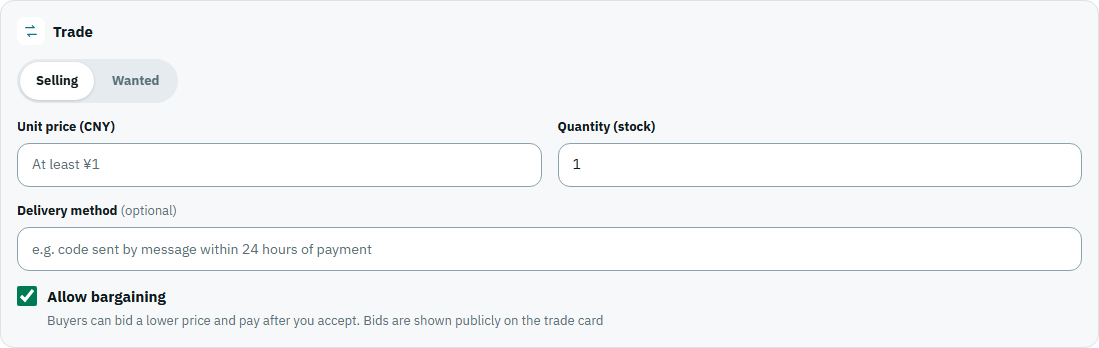
From order to settlement
- Order or offer. On a sale, choose a quantity and place an order. You can also make an offer if the seller allows negotiation. On a buy request, a seller quotes a price and the buyer selects an offer to create an unpaid order.
- Pay. Open the order from the trade card or My trades. Choose one of the payment methods listed and check the payment deadline. Trades are priced in Chinese yuan and use a separate balance from community Energy.
- Deliver. Once the order shows payment received, the seller records the delivery details in the order and marks it as shipped. The buyer can then view those details and confirm receipt after checking the item.
- Settle. On confirmation, the platform deducts the order fee and credits the seller’s balance in yuan. Sellers can see the ledger and withdrawal conditions under the balance tab in My trades.