
Create an Account
1
Open the registration page
Visit nodeloc.com and click the “Sign Up” button in the top-right corner.
2
Enter your information
Enter your email, username, and password. The username can be changed once in Preferences after registration.
3
Verify your email
You’ll receive a verification email after registering — click the link in the email to complete verification. Accounts with unverified emails have limited access to some features.
Third-Party Login
In addition to email and password, NodeLoc supports the following login methods:
The first time you log in with a third-party account, a linked account is created automatically. We recommend binding an email address under Preferences → Email after logging in, so you can still sign in if the third-party account has issues.
Reset Your Password
- Click “Forgot password” on the login page.
- Enter your registered email and the system will send a reset link.
- Click the link in the email to set a new password.
Account Security Tips
- Use a strong password: include uppercase and lowercase letters, numbers, and symbols, and don’t reuse passwords from other sites.
- Add a Passkey: add a passkey under Preferences → Security for faster, more secure logins.
- Review login activity regularly: you can view recent active sessions under Preferences → Security.
- Beware of phishing: NodeLoc’s official domain is
nodeloc.com— never enter your forum password on other websites.
Complete Your Profile
After logging in, visit Preferences → Profile to set:- Avatar and user card background (Silver Member TL1 and above)
- Bio and signature
- Public information such as website and location
- Telegram notifications linking
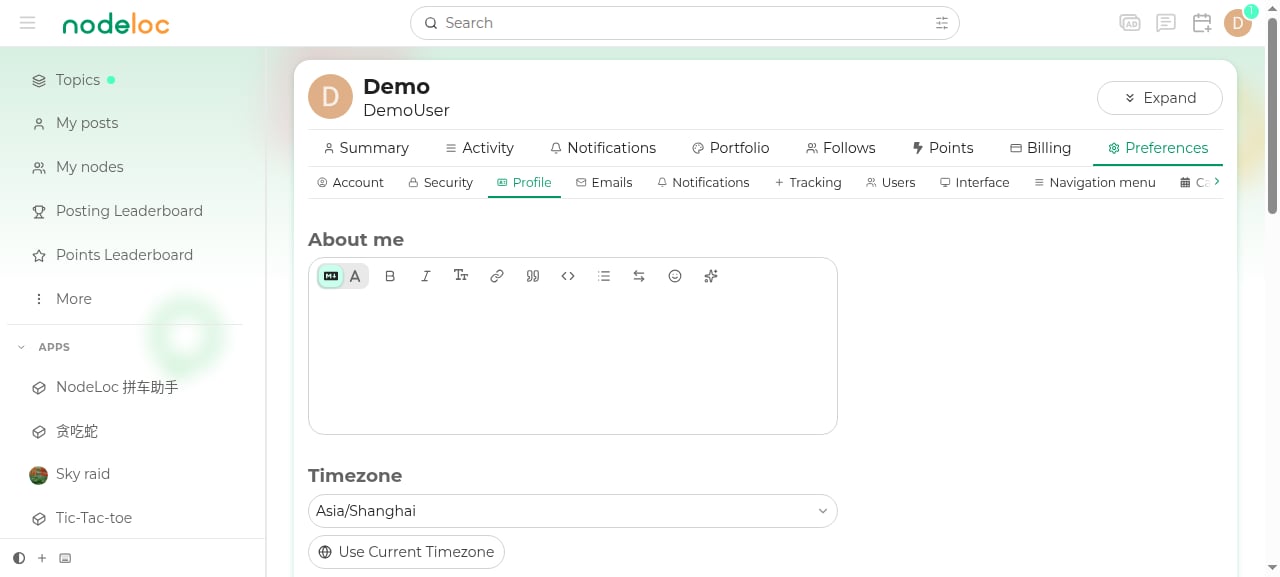
For a full description of all settings, see Preferences.