
Common settings pages
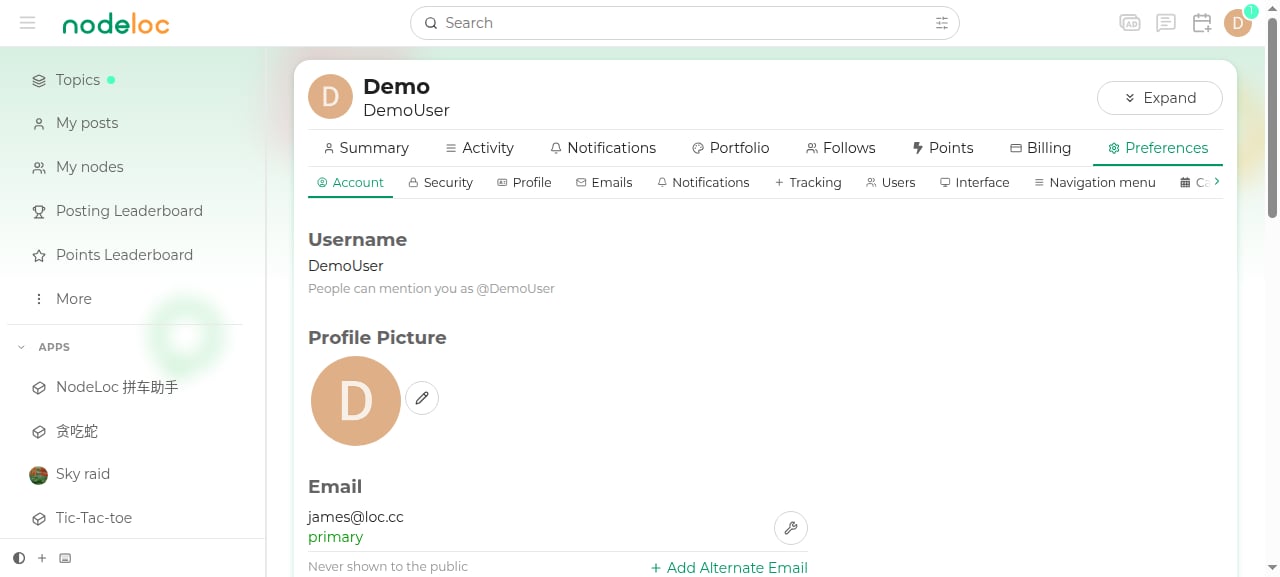
Interface personalization
- Color mode: the toggle at the bottom of the sidebar switches between light and dark mode.
- Custom sections: “Add custom section” at the bottom of the sidebar pins your frequently used nodes to the homepage sidebar.
- Language: the interface supports Chinese and English; switch in Preferences → Interface.
Notification management tips
- By default, you’re notified when someone replies to you, @mentions you, or likes your post.
- Email notification frequency can be adjusted on the “Emails” page; if you don’t log in often, consider enabling the “summary email”.
- When you want a break from forum alerts, use the “mute” feature on the Tracking page instead of ignoring all notifications.