
Joining a Lottery
1
Reply to the topic
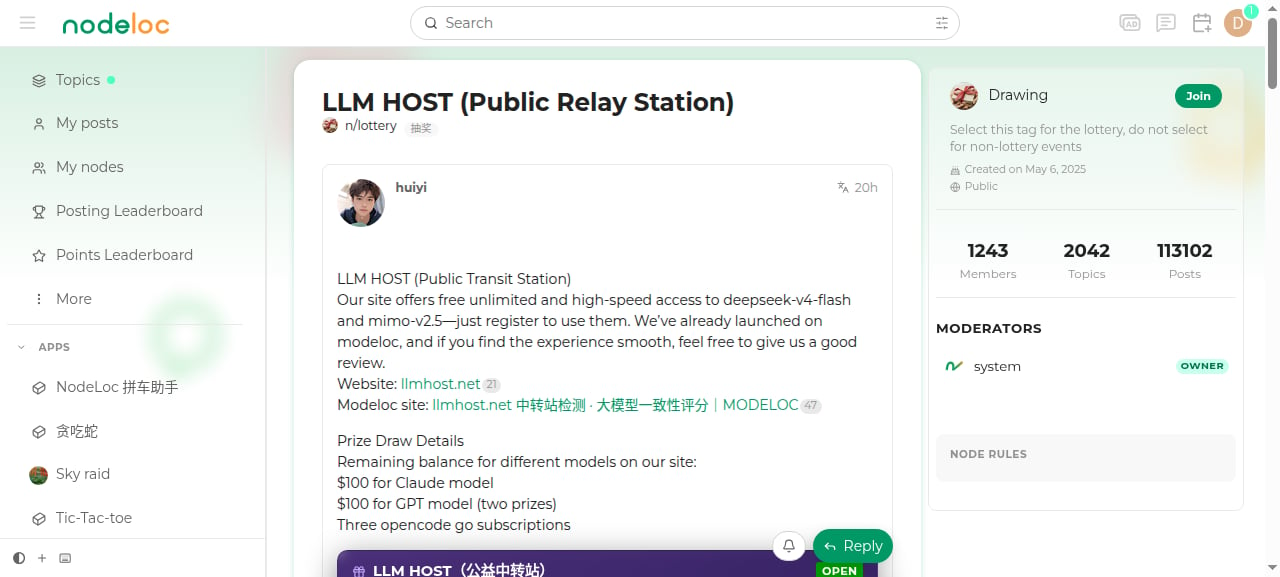
You must reply to the topic before joining its lottery.
2
Buy tickets
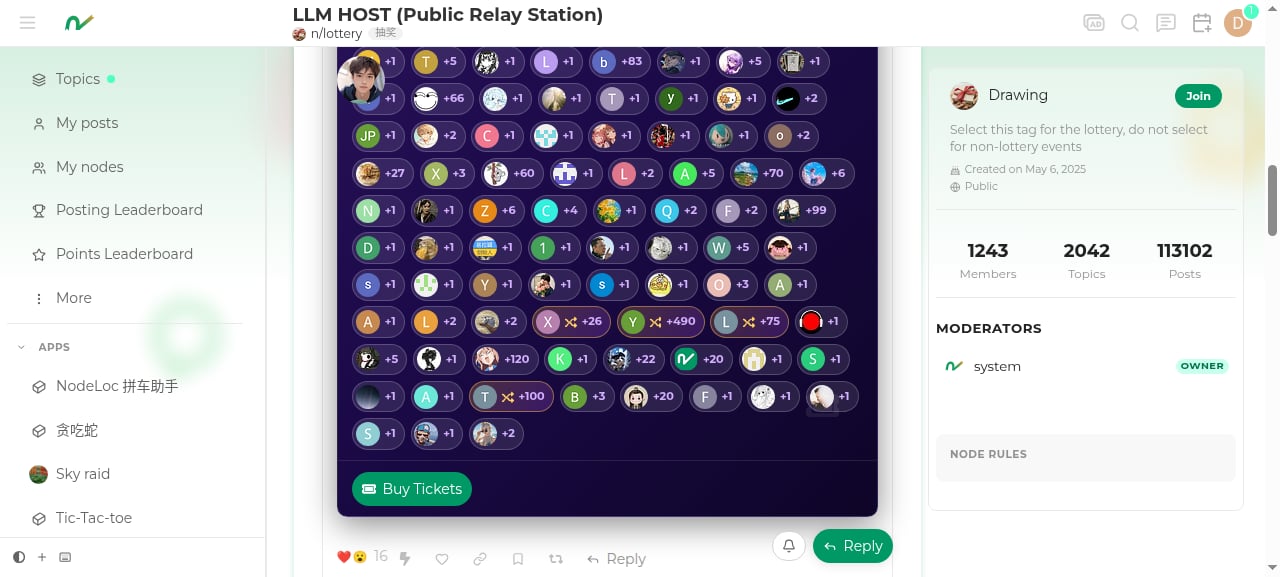
Click the “Join Lottery” button on the lottery card, choose the number of tickets, and confirm. Each ticket costs 1 Energy. You can also choose “Random” to buy a random number of tickets.
3
Wait for the draw
The draw happens automatically once the draw time arrives and the minimum participant count is met. Winners are informed via notification.
Participation Rules
- Each ticket costs 1 Energy; the more you buy, the higher your chance of winning.
- Each user can win at most once: no matter how many tickets you buy, a user can only win one prize per lottery.
- Participants must reach the minimum trust level set for the lottery (Silver member TL1 or above by default).
- You cannot join a lottery you created yourself.
- Each lottery has a “maximum tickets per user” limit, set by the host.
Hosting a Lottery
1
Create a new topic
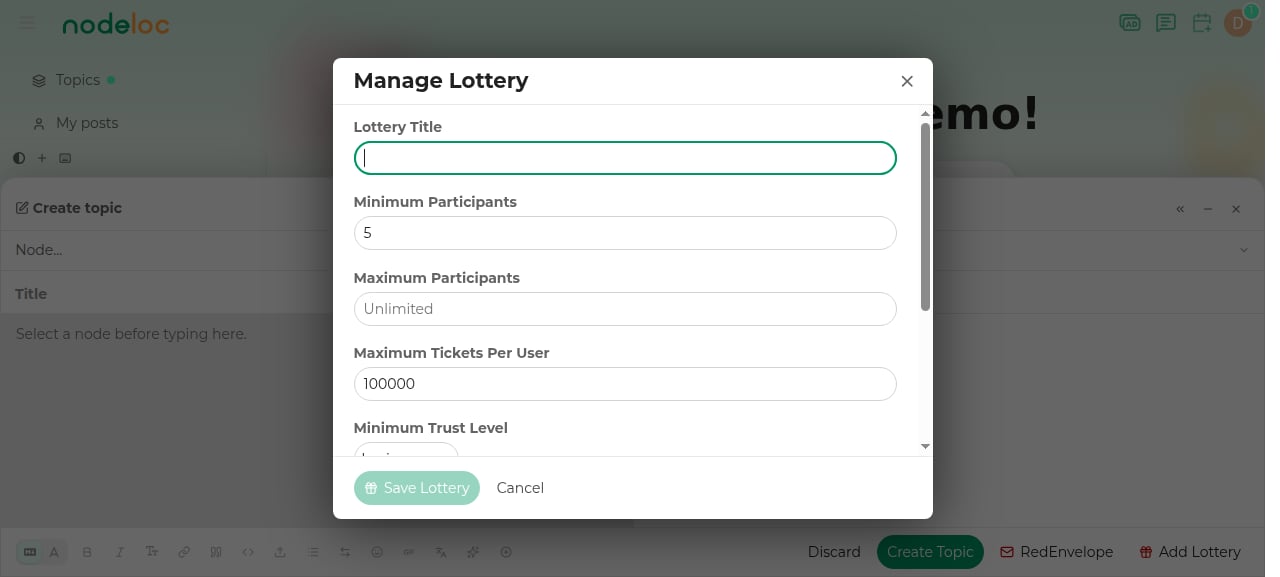
Create a topic in a suitable node (usually the lottery node). After writing the content, click the “Lottery” button at the bottom of the editor.
2
Configure the lottery
Fill in the settings window:
- Lottery title
- Minimum/maximum participants: if the minimum is not met, the lottery is canceled (no draw)
- Maximum tickets per user
- Minimum level: the minimum trust level required of participants
- Draw date: at most 30 days from creation
- Prizes: you can set multiple tiers (first prize, second prize, etc.), each with its own name, quantity, and prize content
3
Publish the topic
Save the lottery settings and publish the topic; the lottery takes effect along with it.
Hosting Rules
- Each topic can only have one lottery attached.
- The draw date can be at most 30 days from creation.
- The host or an admin can trigger the draw manually, or “slide to draw early”.
- If the draw time arrives but there aren’t enough participants, the lottery is canceled and the Energy spent on tickets is refunded.
Editing an Ongoing Lottery
A lottery can be edited while it’s open, with restrictions:- Minimum participants can only be lowered
- Maximum participants cannot be lower than the current participant count
- Maximum tickets per user cannot be lower than the user currently holding the most tickets
- Minimum level can only be lowered
- Draw date can only be postponed
- Prize tiers can only be added; the quantity of existing prizes can only be increased