Ad products
Purchase flow
1
Open the promotion center
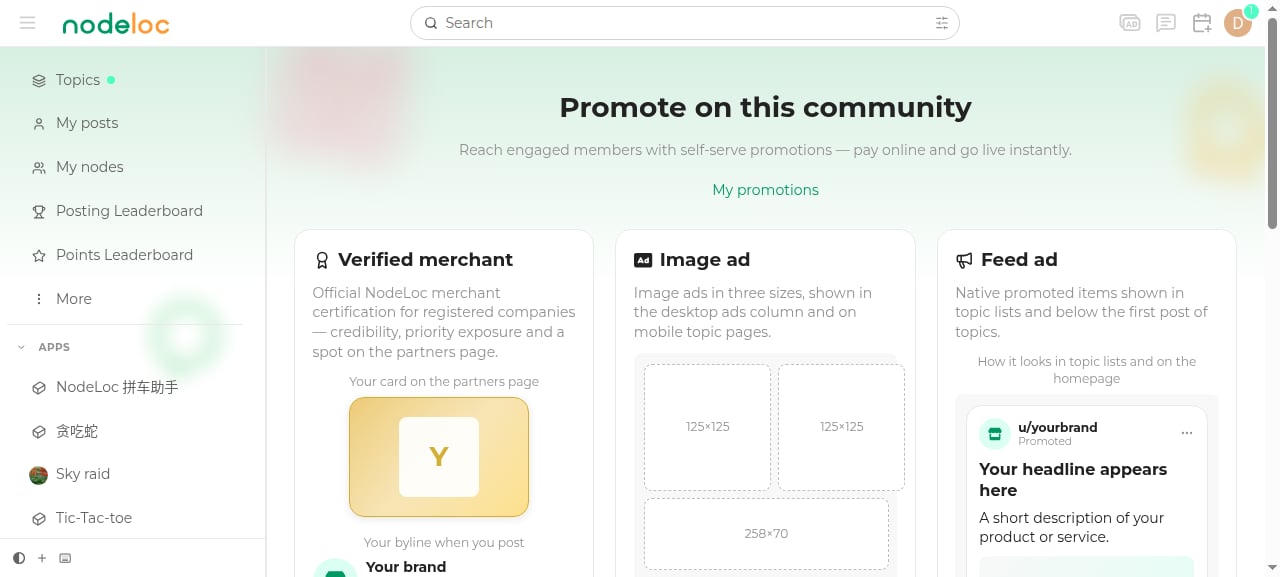
Click “Promote on this community” in the top navigation, or visit /promotion.
2
Choose a product
Click “Image ad” or “Feed ad” on a product card.
3
Enter ad content
- Sidebar ads: choose a size, enter the ad name and target link, and upload ad images (up to 10).
- Feed ads: enter the ad name, target link, description (≤300 characters), and multiple headlines (up to 10 — one is picked at random for each impression), and upload images (up to 10).
4
Choose a duration and pay
Select the number of months, click “Proceed to payment”, and complete payment with Alipay or USDT (TRC20).
5
Automatic activation
Once payment succeeds, the ad starts showing immediately and you’ll receive an on-site private message notification.
Duration discounts
You can purchase up to 12 months at a time. Discounts apply only when purchasing exactly 3, 6, or 12 months.
Rules and limits
- Each person may hold at most 5 ads (pending payment + active) at the same time.
- Orders must be paid within 24 hours; unpaid orders close automatically.
- Sidebar slots are limited (10 small / 5 medium / 5 large); when exceeded, ads rotate to share impressions.
- Feed ads are inserted roughly once every 10 topics.
- Before expiry, you can renew with one click in My promotions.
Managing my promotions
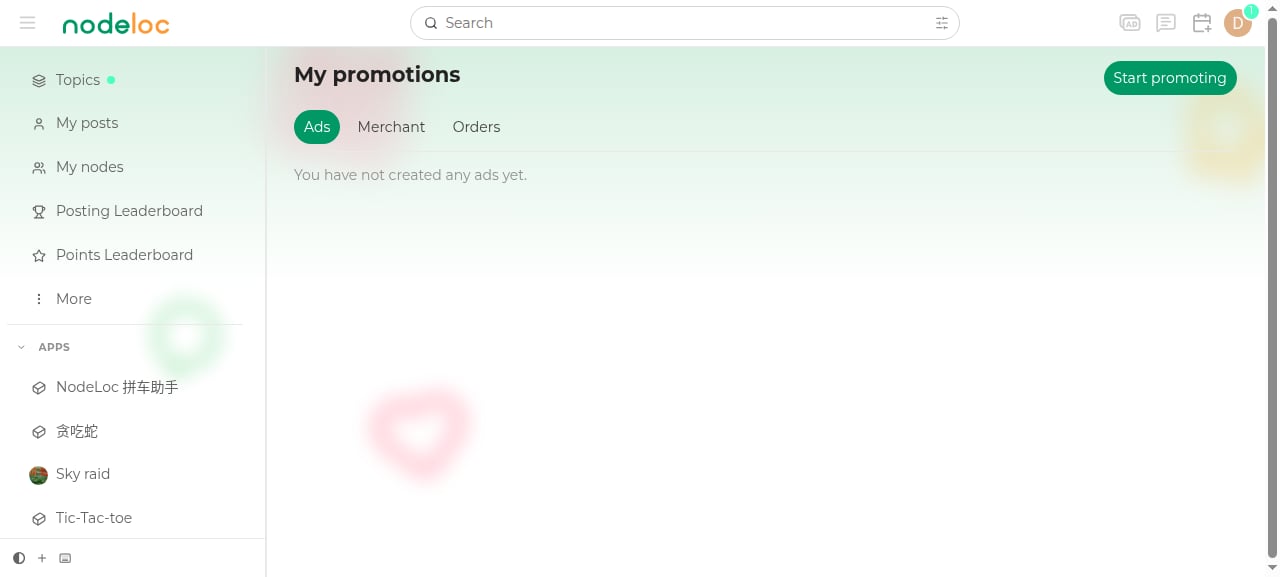
In My promotions you can view the status of all ads, merchant verifications, and orders, and renew or edit them.