Browsing the Mini App Directory
The “Mini Apps” section of the sidebar lists your apps. Click “Browse more” (or visit /apps directly) to see all published mini apps. Each card shows the author, description, install count, and placement type.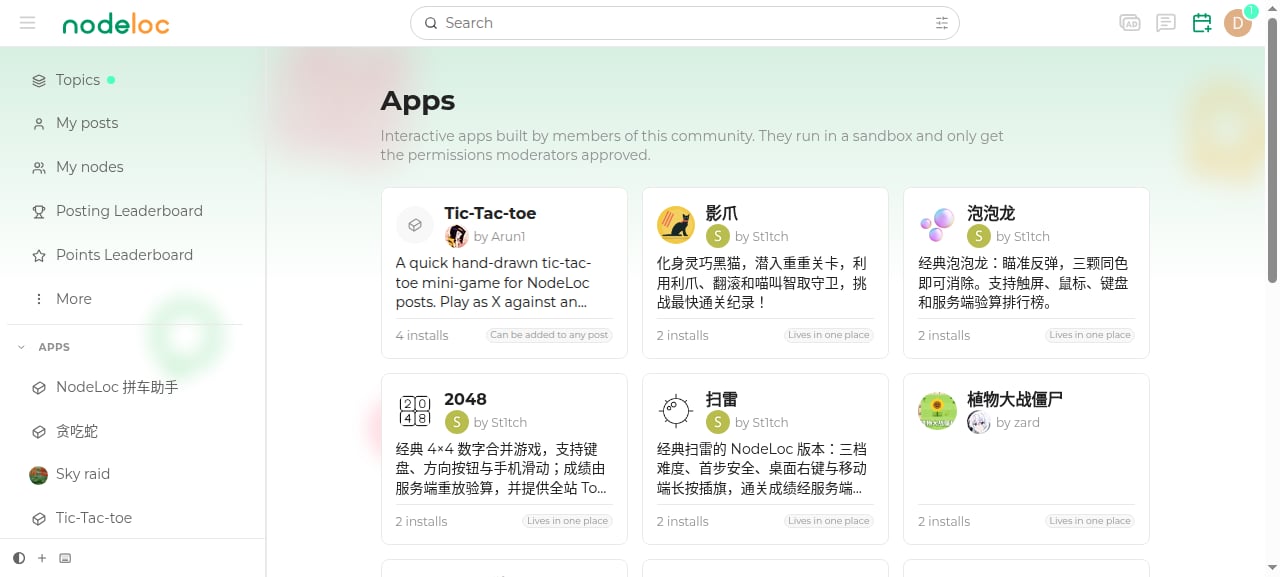
Viewing Details and Permissions
Click a card to open its detail page, where you can see the version, install count, interface type, placement type, and the full permission list — so you know exactly what it can do before opening it.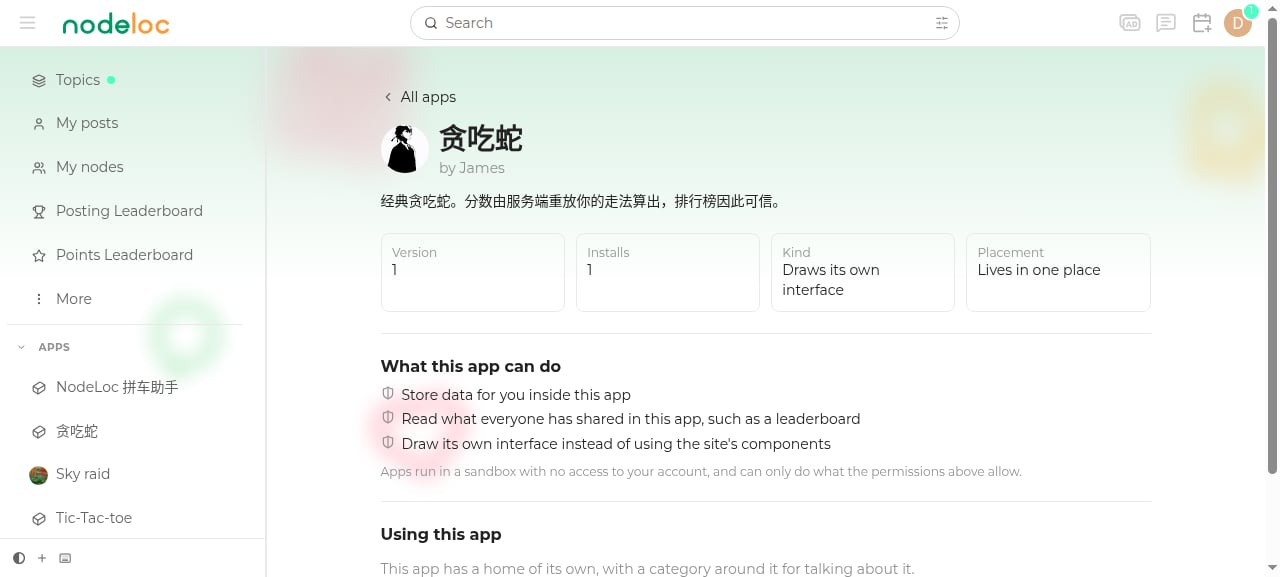
Using Mini Apps in Topics
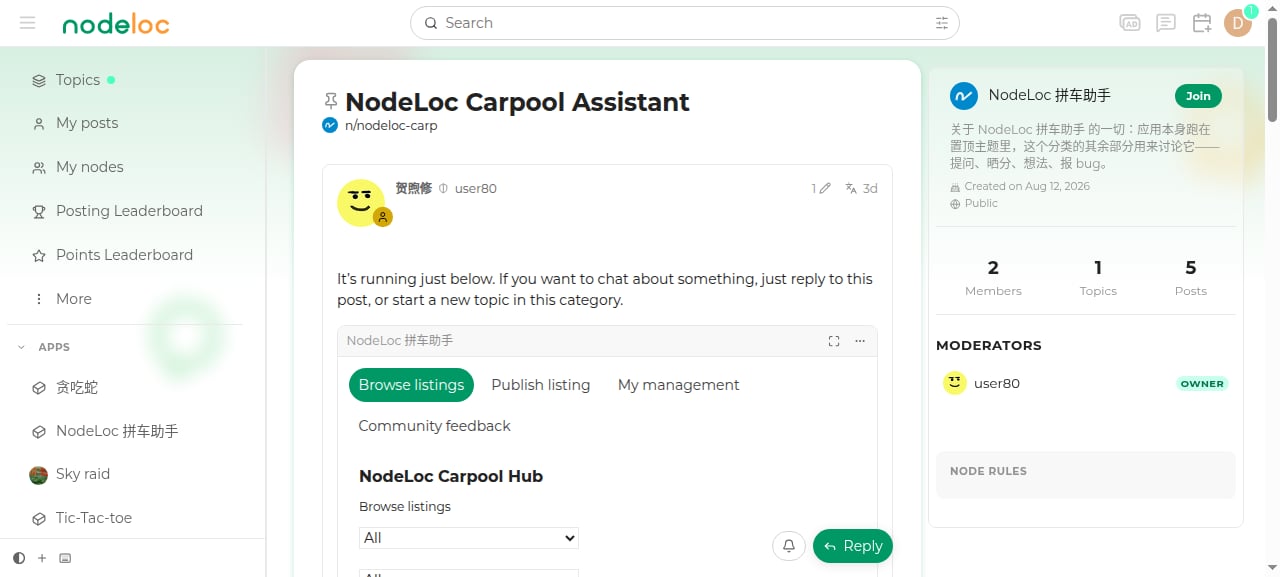
Mini apps run inside topics. Click “Open” on the detail page to jump to the topic where it lives and start playing right away: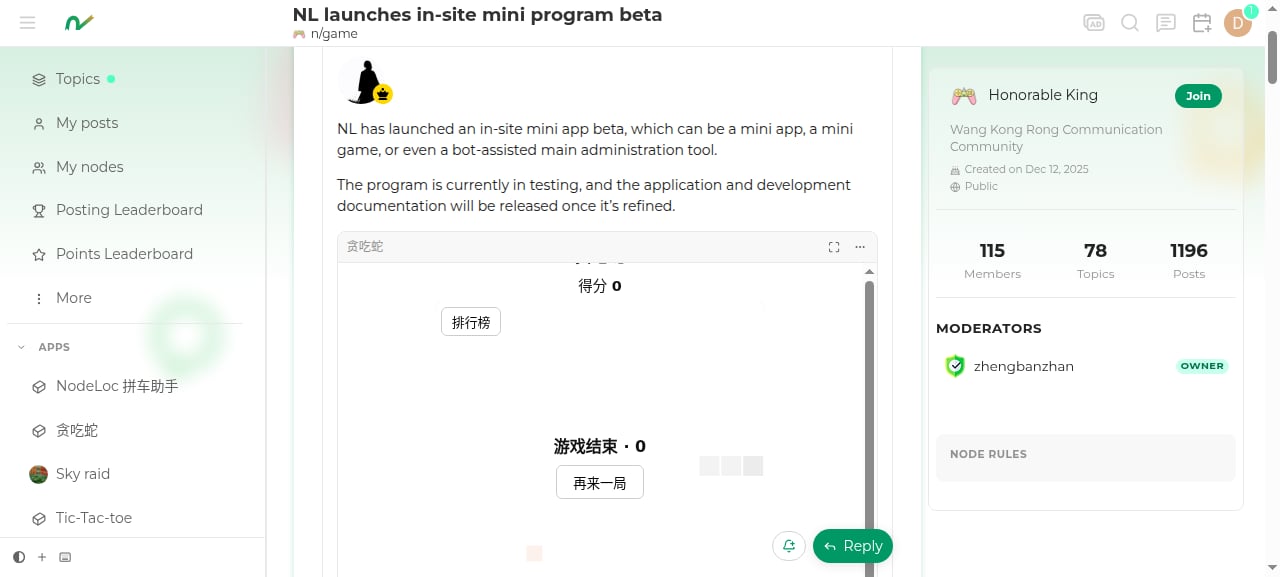
- Game scores are verified server-side before entering the leaderboard — the numbers shown on the page don’t count, so the rankings are authentic and trustworthy.
- There’s a normal discussion area right below the mini app, so you can reply and chat after playing.
Three Shapes
Installing a Bot in Your Own Node
A bot is not placed in a topic — it is installed against an area. If you run a node, you can install one yourself, without asking an admin.1
Pick one
Find the bot in the mini app directory and open its page.
2
Press Install
Choose which of your nodes it goes into.
3
Tell it what it needs
Some bots need to be told something — a category, a greeting, an API key. The form explains each field.
4
Manage it afterwards
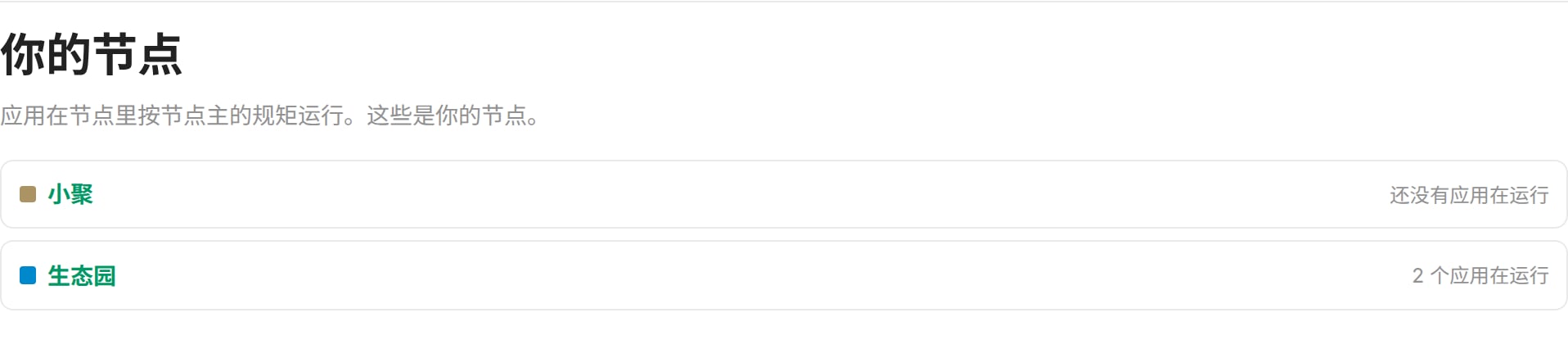
/apps/nodes lists your nodes and the bots running in each. Change the settings or stop one at any time. Stopping only makes it quiet — what it stored stays where it is.
A bot speaks under an account of its own, named starting with
app_ and carrying the “App accounts” group flair, so it reads as software rather than a person.Adding a Mini App to Your Own Topic
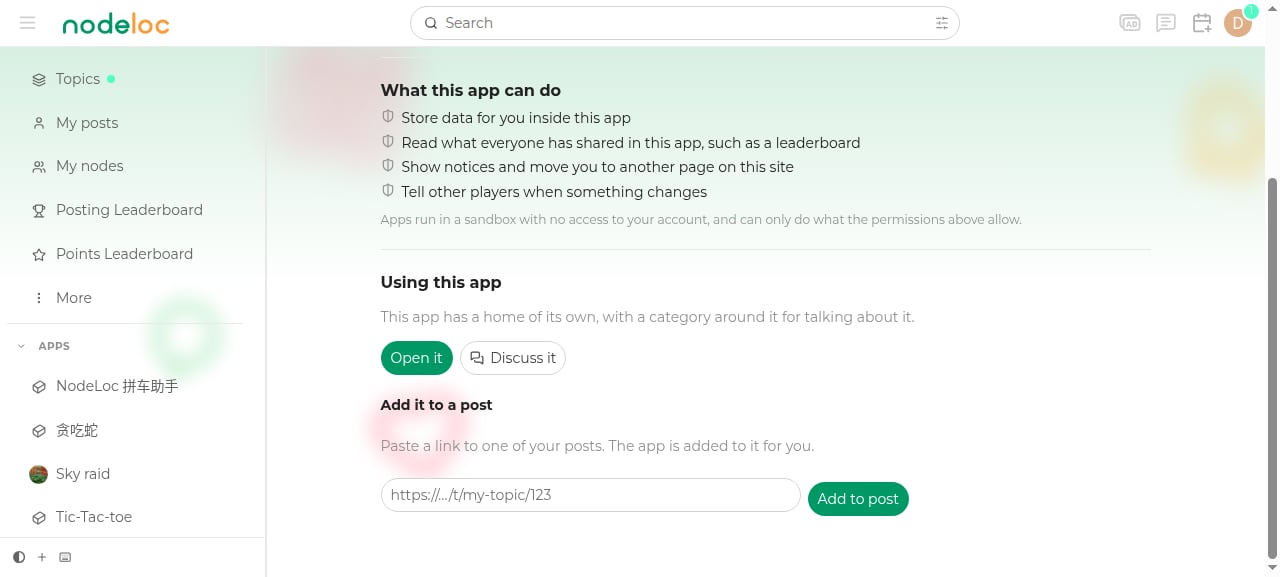
Mini apps whose placement type is “can be added to any topic” can be embedded in your own topics: paste the topic link on the detail page and click “Add to Topic”.