
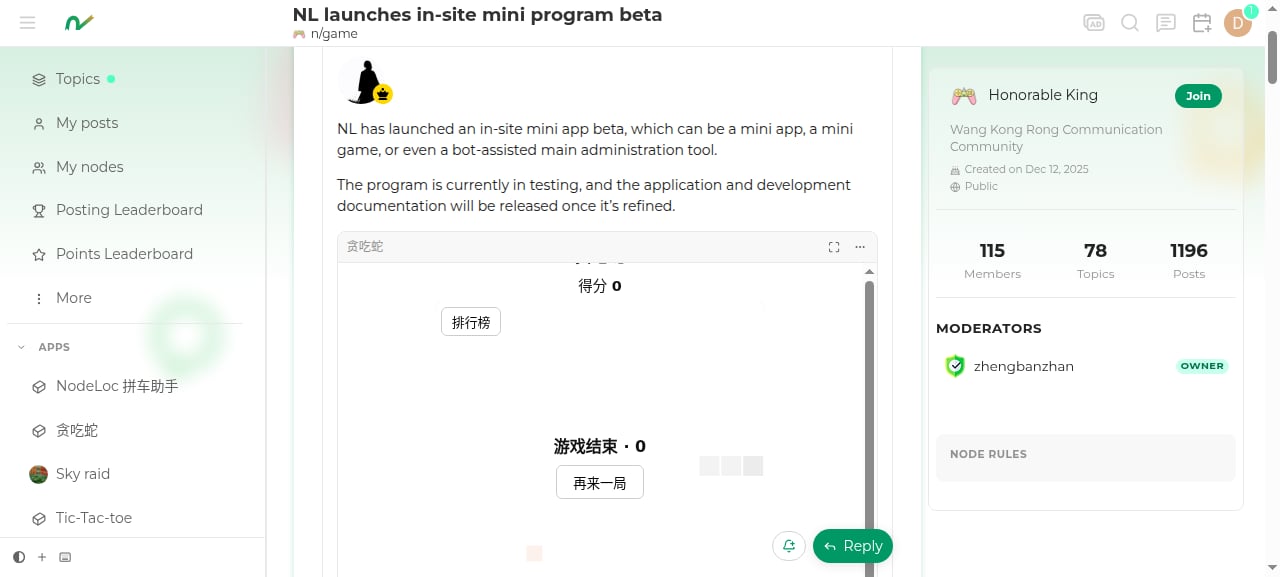
What this is
A mini app is a JS module that exports a set of handlers. Handlers run in a server-side sandbox — no network, no disk, no author account, nowindow. Everything a handler can read comes from api; everything it wants to change is declared as effects, which the site validates one by one and commits in a single transaction.
This constraint is not a limitation — it’s the reason this system can exist at all: whatever the page says doesn’t count, which is why scores, points, and leaderboards can be trusted.
Mini app directory
All published mini apps are listed at www.nodeloc.com/apps: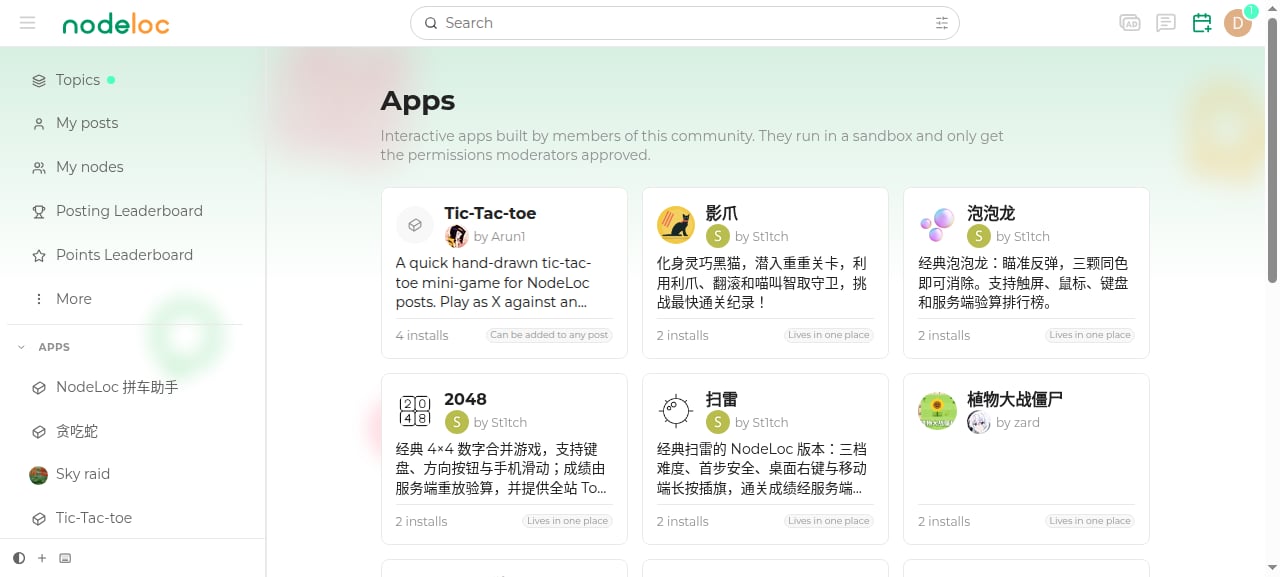
Transparent permissions
Each mini app’s detail page lists every permission it has been granted, so users can see what it can do before opening it: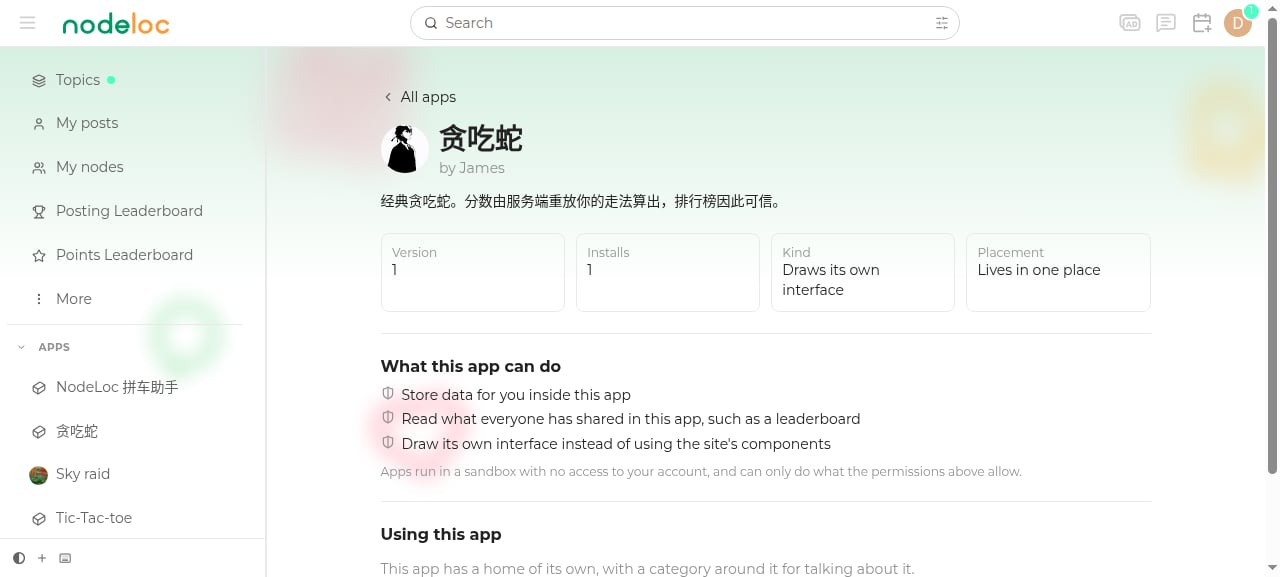
Three shapes
Blocks (default)
Handlers return a component tree, which the site renders natively. You can’t write HTML, so XSS is impossible. Well suited for polls, sign-ups, counters, and form-style tools. See Blocks components for the component list.Webview (requires separate admin approval)
The mini app draws its own UI (HTML + CSS + JS) and gets a real client-side loop. The trade-off is that scores from the page are untrusted — to make the leaderboard, the server must be able to verify them. See Writing handlers.webview requires the site to enable the capability, and an admin must grant it to each mini app individually. To apply, declare
"surface": "webview" in app.json.Service (a bot)
No interface at all. It renders nothing and there is nothing to press — it is woken by site events or a schedule, and speaks under an account of its own. Greeting newcomers, answering the same question for the tenth time, opening a daily thread, helping with moderation. The difference that matters most is where it is installed: not in a topic, but against an area. A node’s owner can install one in their own node; installing against the whole site stays an admin’s to do. A bot installed in a node can act there exactly as far as that node’s moderators can, and nowhere else at all. See Bots.Data model
- Per-user data region: each member has their own isolated KV space under each installation.
- Shared region: shared by everyone under the same installation (leaderboards, world state); only handlers can write to it — pages can never reach it.
- Installation as isolation: one installation, one shared region. A mini app with a site-wide leaderboard must use the
singleplacement. See app.json and readme. - App-wide region: shared across every install, and only handlers can write to it. This is where a list that must be the same in all fifty nodes an app runs in belongs — see Bots.
Becoming a developer
Mini apps are currently in beta, and developer access is granted by user group. To join development, contact an admin to get access; once granted, you can visit the author center at www.nodeloc.com/apps/authoring.Quickstart
Once you have access, get your first mini app running with the CLI in ten minutes